Integration · Finance and ERP
Visma Business NXT + Workspace.
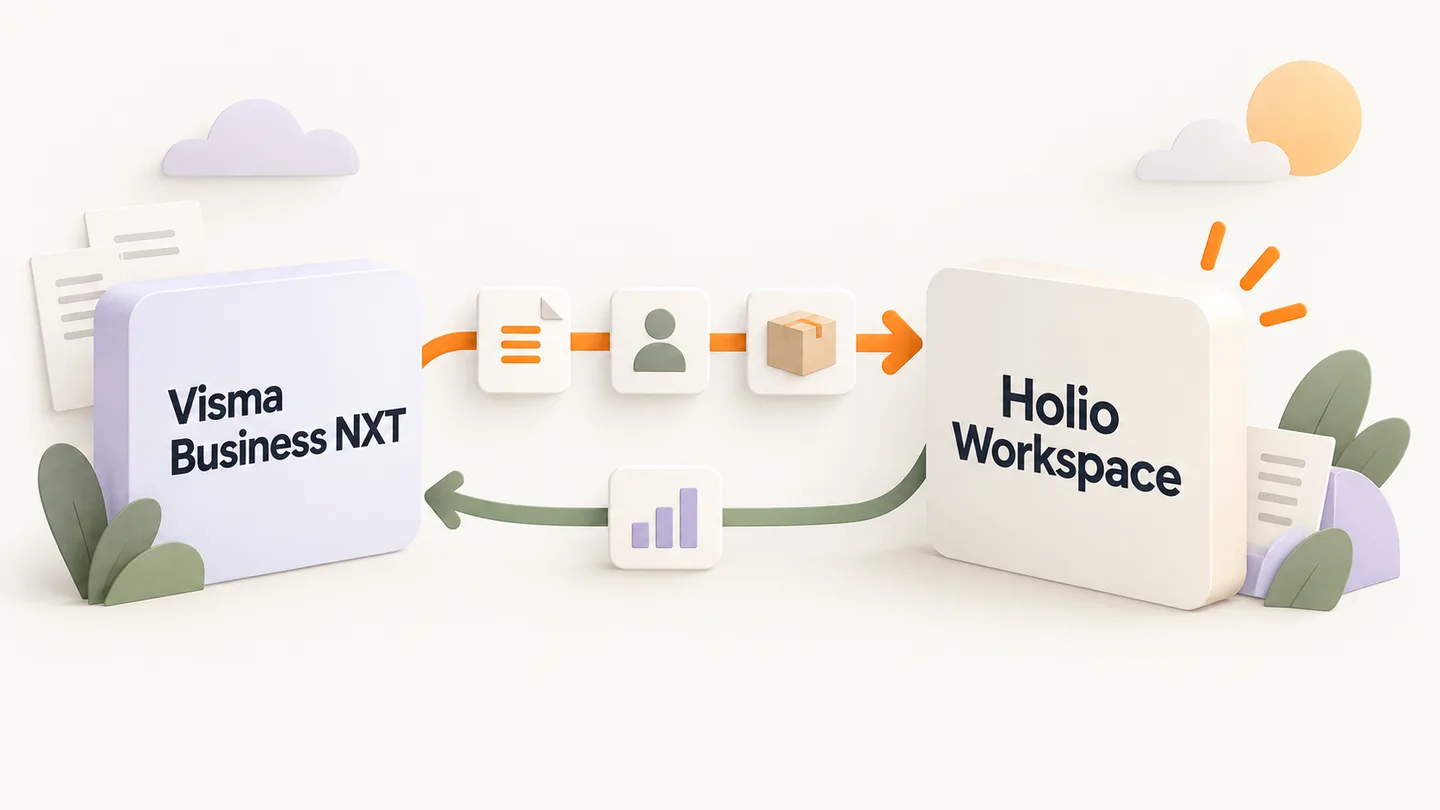
Chart of accounts, ledgers, orders, products, stock and vouchers from Visma Business NXT are mirrored into Workspace. Visma stays the books; Workspace is where the work is done.
- Direction
- Two-way where the work happens in Workspace
- Connection
- Grant access
- Visual
- Illustrated workflow
Into Workspace
What Workspace takes from Visma Business NXT
Chart of accounts and vouchers
General ledger, accounts and vouchers, so the numbers in Workspace are the ones in the books.
Customers and suppliers
The ledgers with open items, tied to the customer in CRM and in customer service.
Orders
Sales and purchase orders with lines, in the same order list as the web stores.
Products and stock
Items, prices and stock per warehouse.
Reports
Profit and loss and balance sheet read from the same rows, not from a copy.
Back
What goes back to Visma Business NXT
Budgets and forecasts
Budget lines made in Workspace are written back to the Visma company.
Work done in the workspace
Where a change is made in Workspace it goes back to Visma. Otherwise it is only read.
How Visma Business NXT is connected
Pick the system
Under Integrations in Workspace, with the fields Visma Business NXT needs.
Grant access
You grant access to your Visma Business NXT account, and Holio ties it to your company. No keys to paste.
First sync
The history is mirrored in, and from then on a sync job of its own keeps it current. A stop shows on Sync health before it shows in the numbers.
Finance and ERP
More in the same category
Visma.net Financials
Orders in, tracking number back
Visma Payroll
In — read-only mirror
PowerOffice Go
In through the API
Tripletex
Data in and approved vouchers back
Fiken
In — read-only mirror
Fortnox
In — read-only mirror
Business Central
Orders in, tracking number back
SQL Server
In — read-only mirror
CSV and Excel
In from a file
Do you use Visma Business NXT?
We show what Visma Business NXT looks like in Workspace, in a demo with your own setup.